
Azure AD SSPR ( self-service password reset ) allow users to reset their own passwords according to policy define by their administrator. Before it was only allowed to use Email, Mobile phone, Office phone or security questions options to reset the passwords. If it was Azure AD admin they wasn’t able to use security questions option either. But now SSPR supports use of Microsoft Authenticator app notifications or a code from any mobile authenticator app or hardware token. This is applying for all the users including Azure AD administrators. In order to use mobile app or hardware token option, users need to sign up for at least 2 other methods ( Email, Mobile phone, Office phone or security questions).
To enable mobile app option,
1) Log in to Azure portal as Global Administrator
2) Go to Azure Active Directory | Password Reset
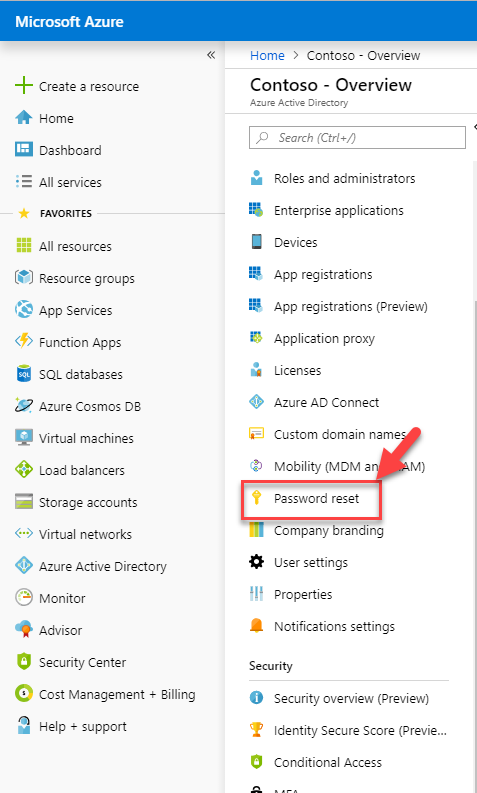
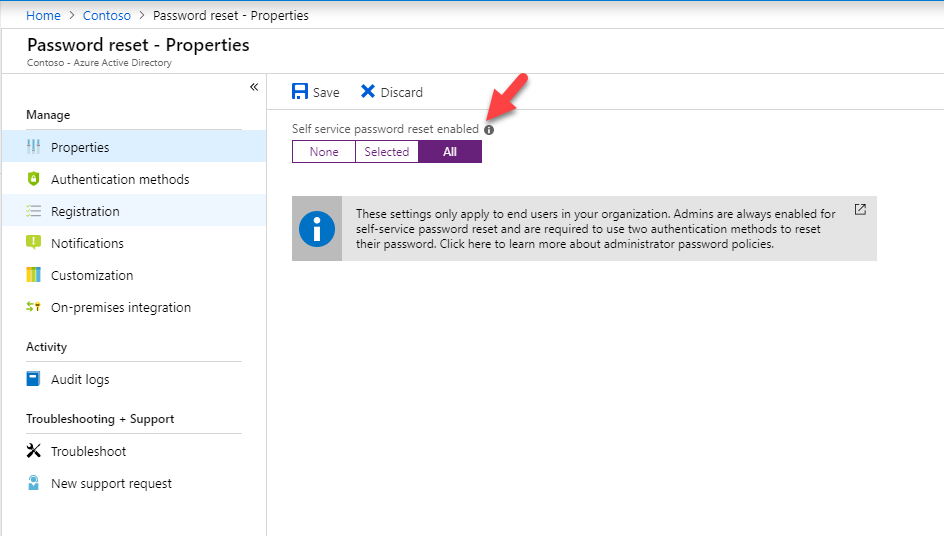
3) Go to Properties and make sure you have SSPR enabled
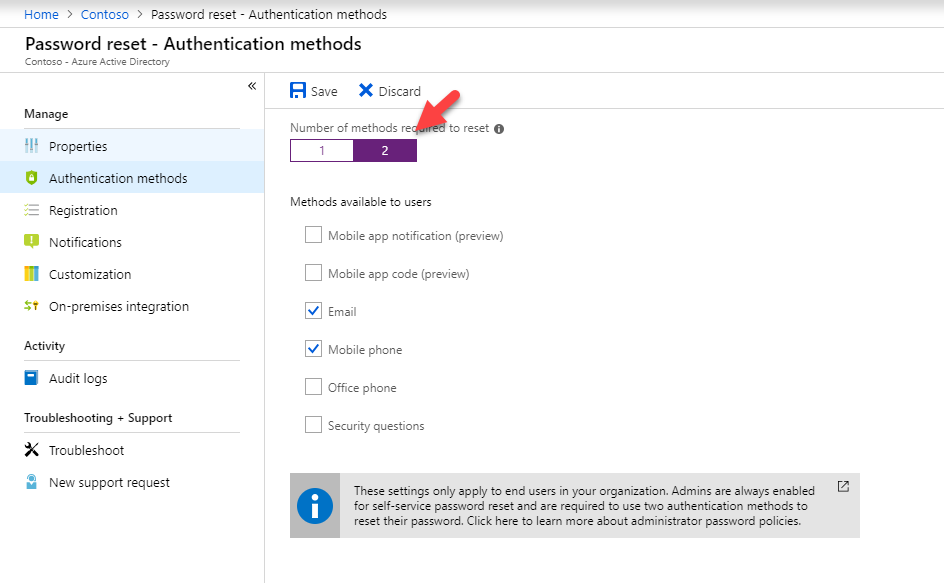
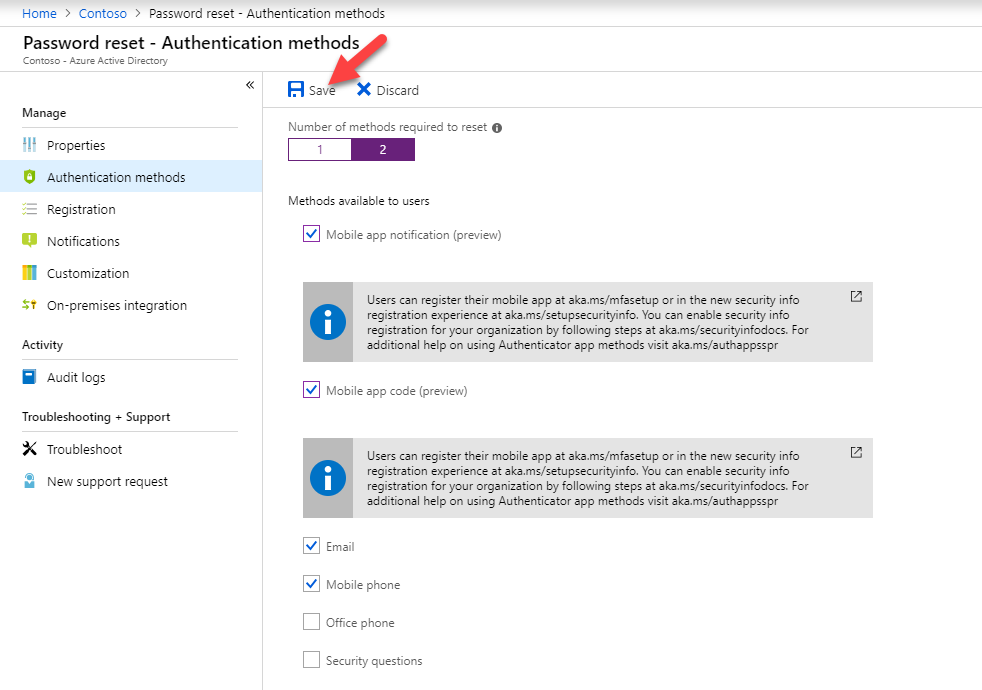
4) Then go to Authatication methods and select 2 for Number of method required to reset
5) After that, select mobile app option from the list
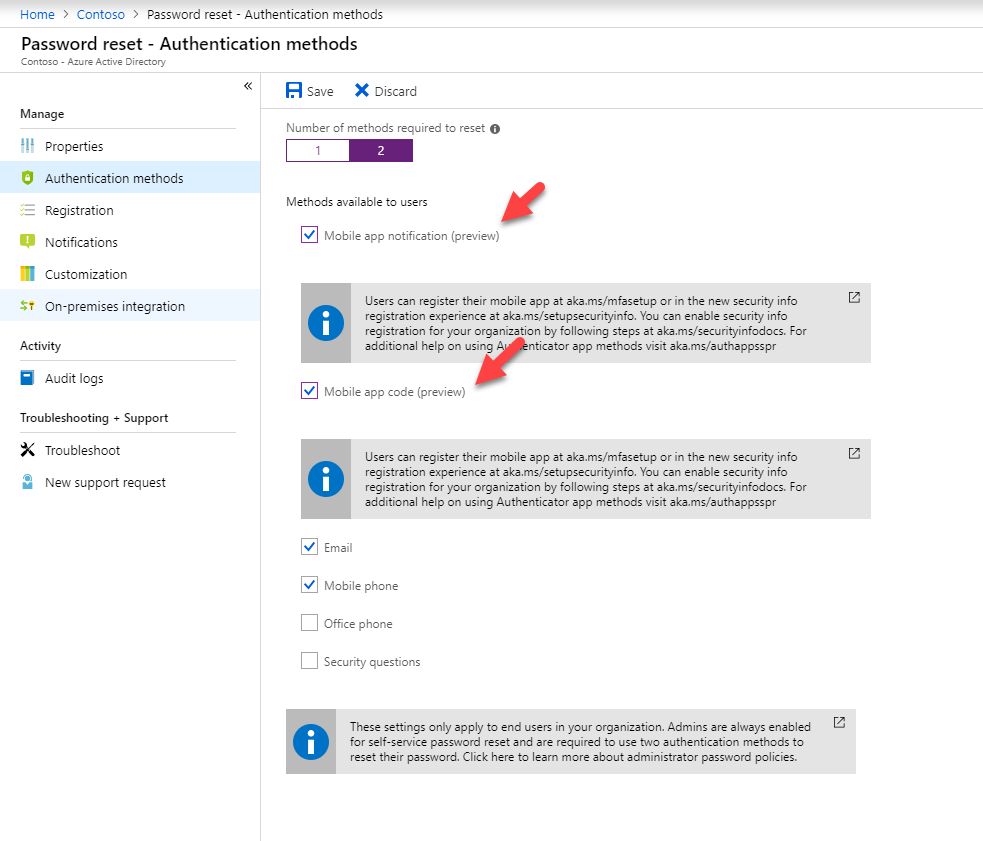
6) Click on Save to apply the settings
7) Then go to https://aka.ms/mfasetup to complete the user sign up process
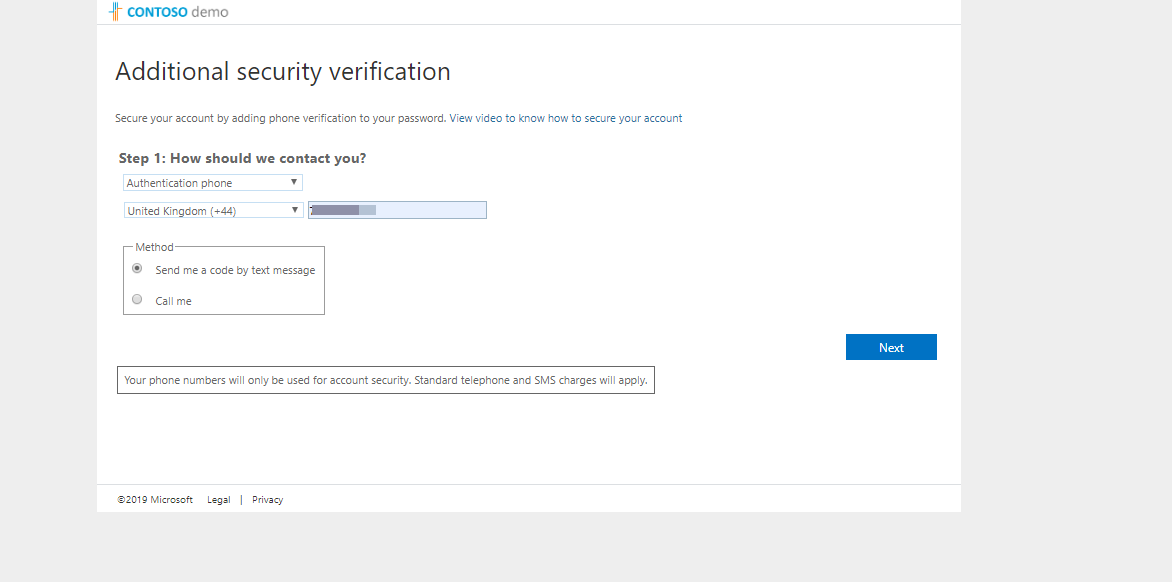
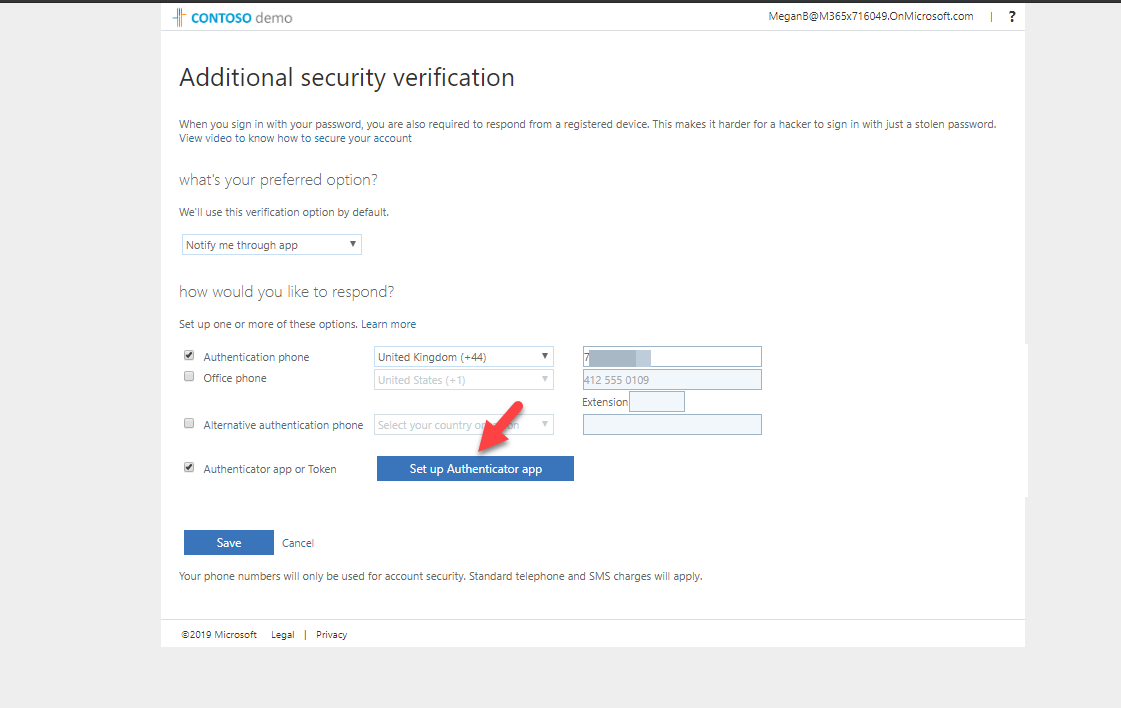
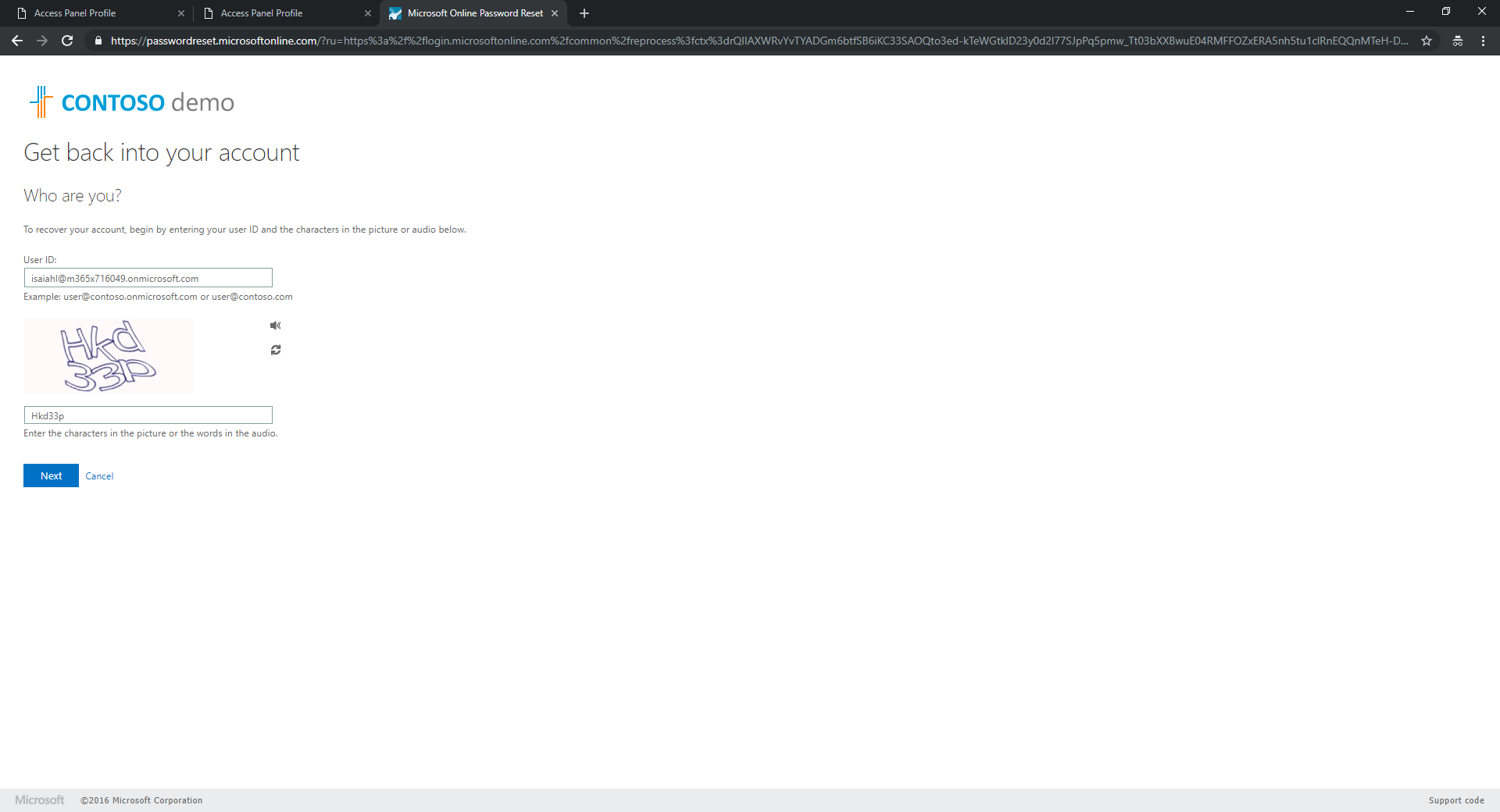
8) Lets see how we can reset the password using mobile app option. In here I am trying to reset password for user Isaiah. He is global administrator as well.
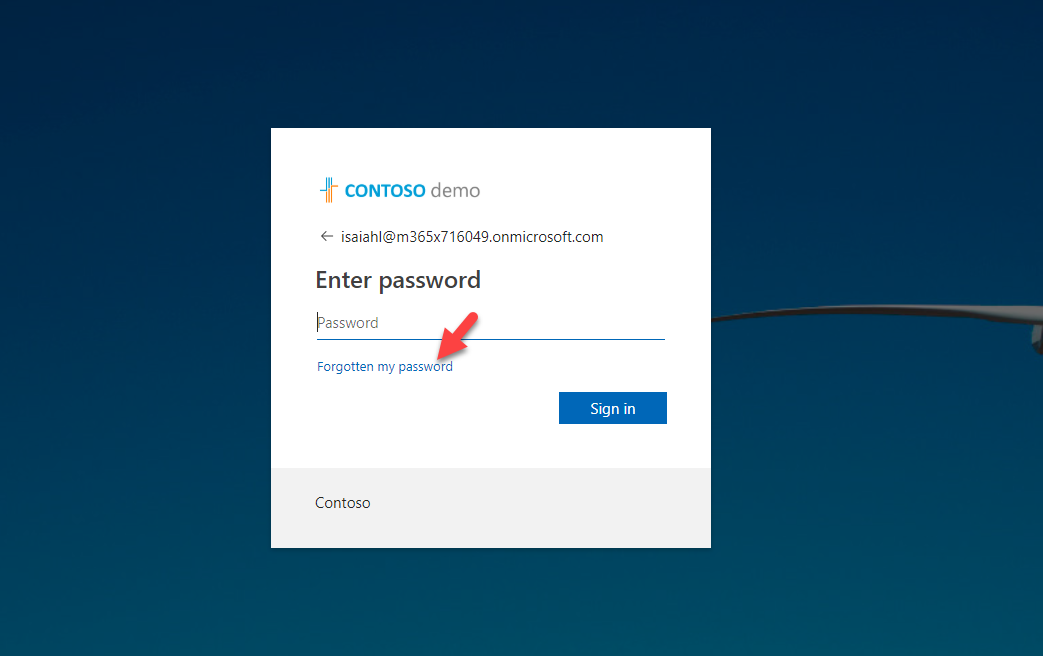
9) It redirect me to a page for id verifications.
10) In next page I can choose the pass code option for verification.
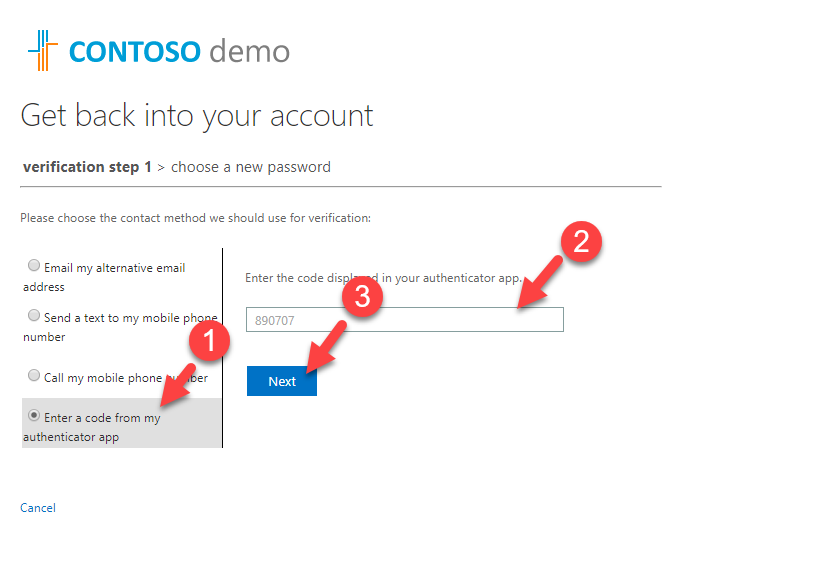
In here I enter the passcode appear in my phone app.
11) After succesfull verification, it allow to specify new password.
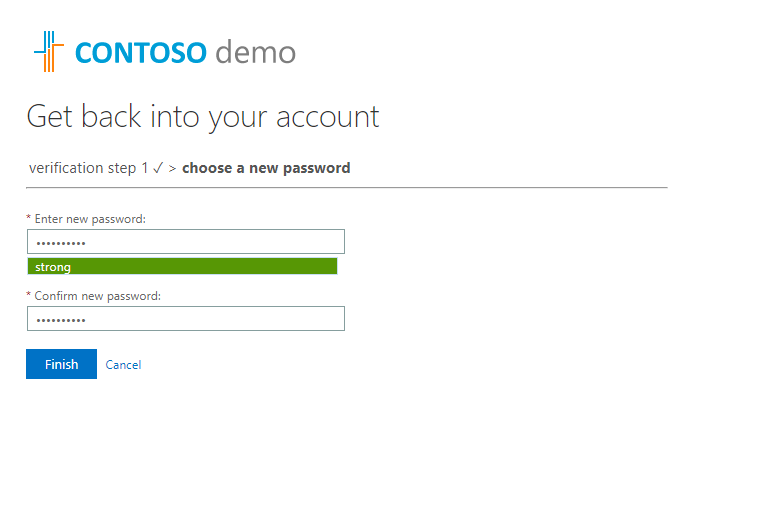
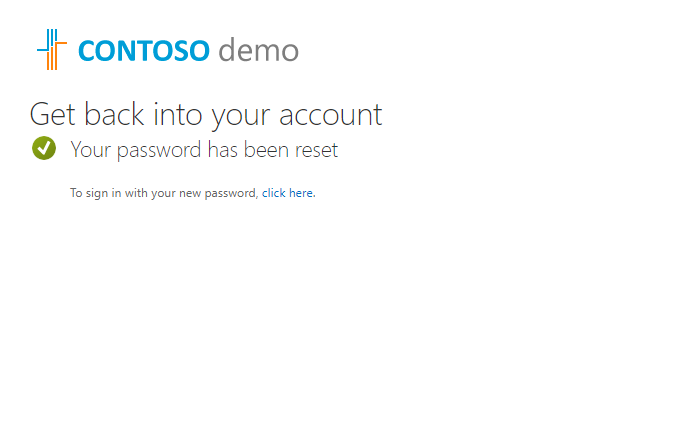
As we can see it allowed to reset the password using mobile app code verification even for Azure AD Administrator. This marks the end of this blog post. If you have any further questions feel free to contact me on rebeladm@live.com also follow me on twitter @rebeladm to get updates about new blog posts.